MacOS Patriot VPN Install
- Click Here to Download the MacOS Patriot VPN installer.
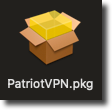
- Locate the PatriotVPN.pkg installer file, usually located in the 'Downloads' folder, or where your browser stores downloaded files, and double-click or ctrl-click on the installer to open:
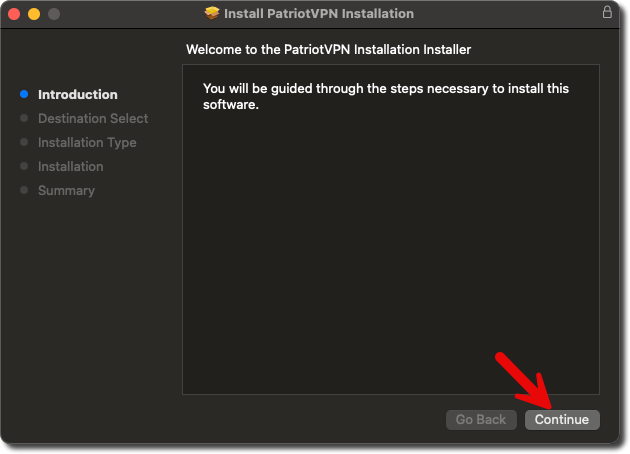
- The installer will open, click 'Continue':
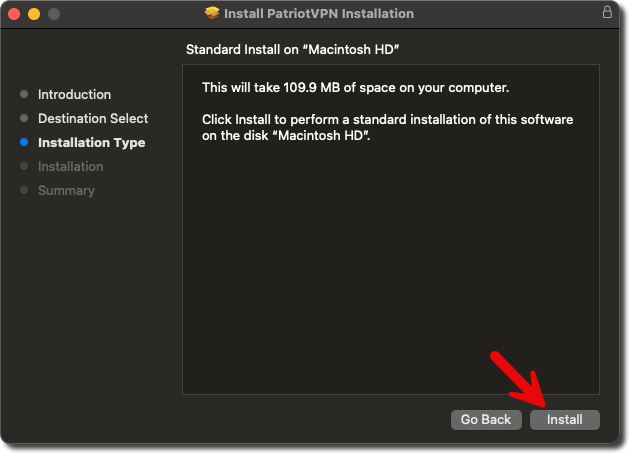
- Click 'Install':
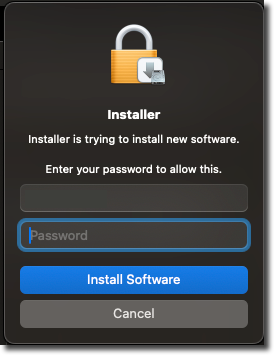
- Enter your computer's password and click 'Install Software'. If you don't know your computer's password, please contact your administrator for assistance.
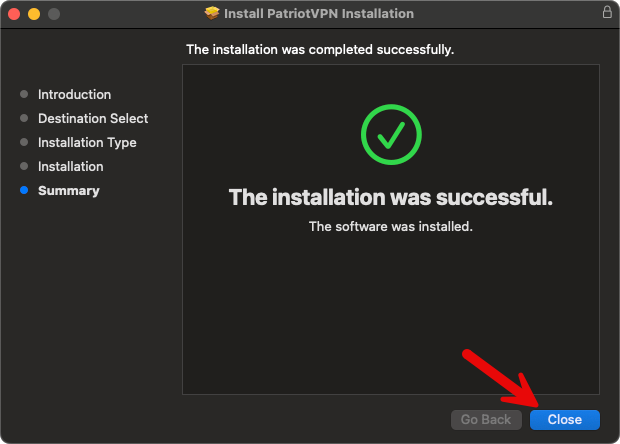
- The install will begin; once finished click 'Close':