
Android Television Advanced Configuration
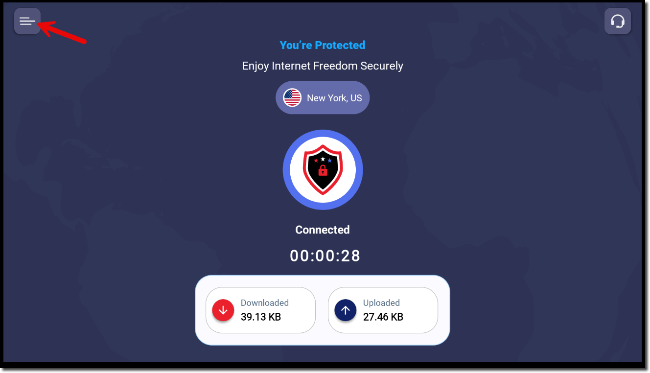
- With the PatriotVPN application open, click on the menu in the upper left-hand corner:
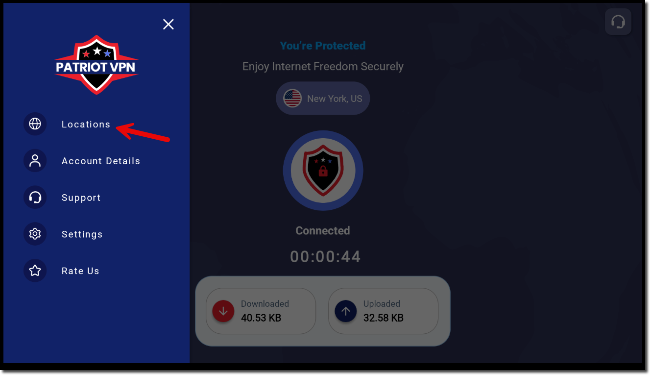
- In the menu that comes up, click on 'Locations':
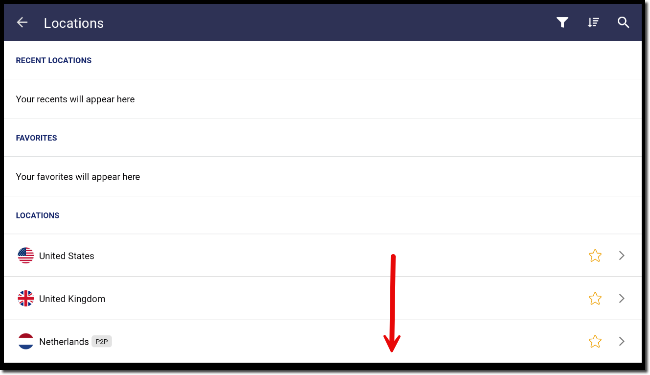
- In 'Locations' you can choose which server you are connected to. This comes in handy if you are in a content restricted region and you want to pull content from a region with no restrictions. Scroll down to see a full list on your Android TV.
- Go back to the menu and choose 'Account Details':
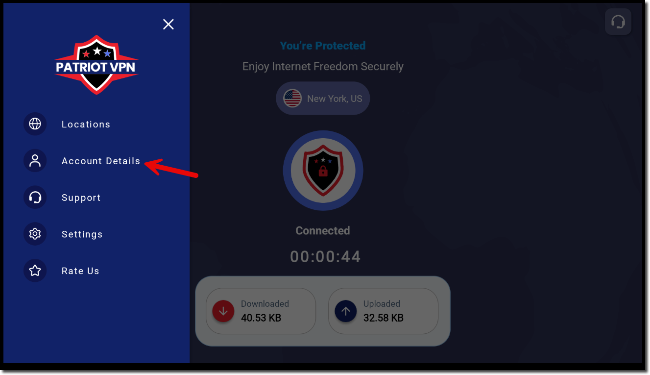
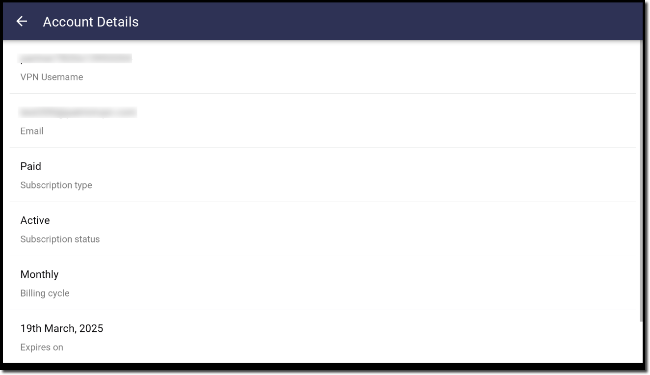
- The Account Details section will give you all the information about your account, including the expiration date:
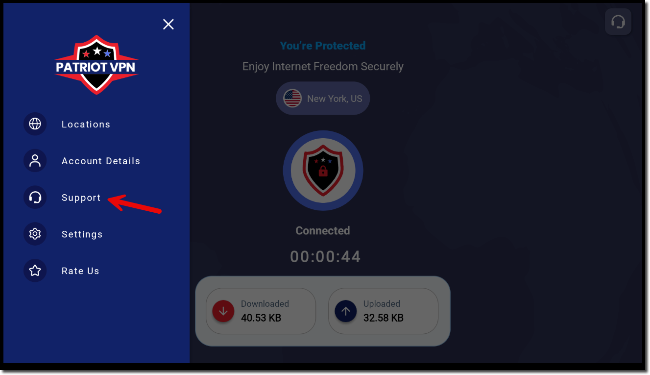
- Go back to the menu and click on 'Support':
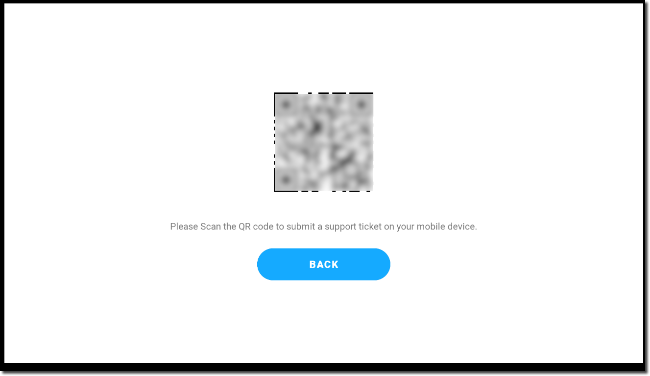
- Here you will be presented with a QR code that you can scan and be connected to the support form submission on your mobile device:
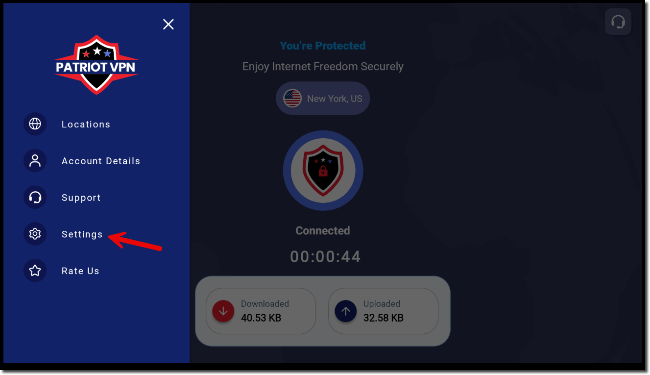
- Click on 'Settings' in the menu:
- You will be presented with the 'General' tab where you can learn more about us, clear your preferences, and the version of the software:
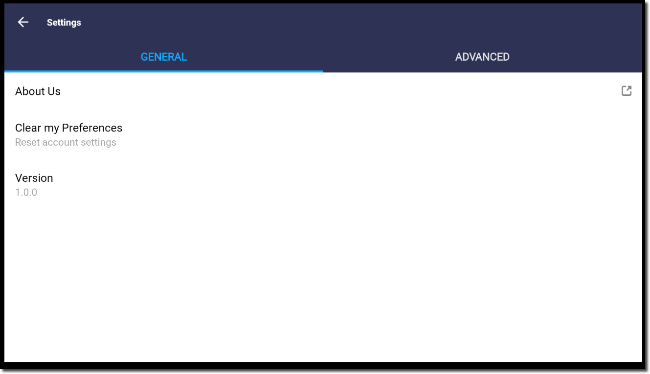
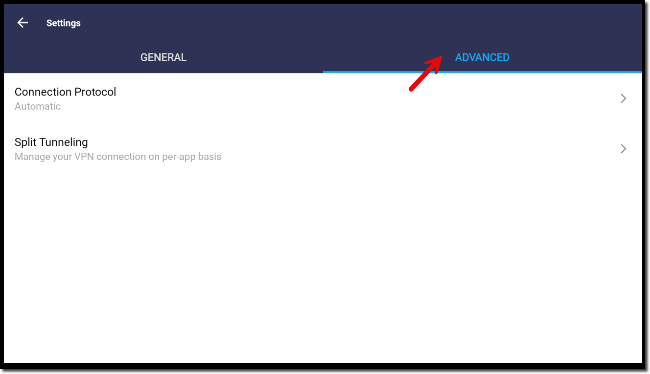
- Click on the 'Advanced' tab to see the Connection Protocol and Split Tunneling options:
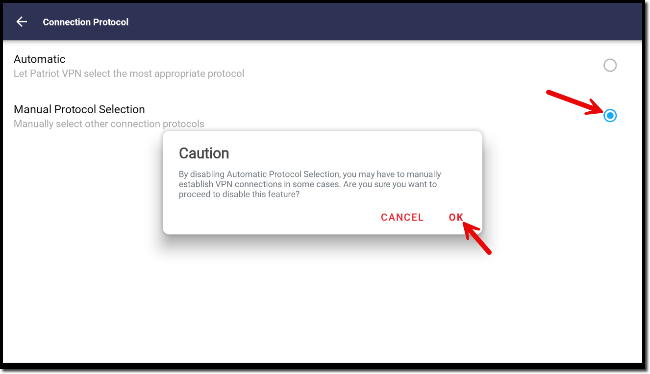
- Under the Connection Protocol section you can choose either 'Automatic' (default) or you can choose 'Manual Protocol Selection'. If you choose the Manual option the system will offer a caution and you will need to click on 'Ok' to continue:
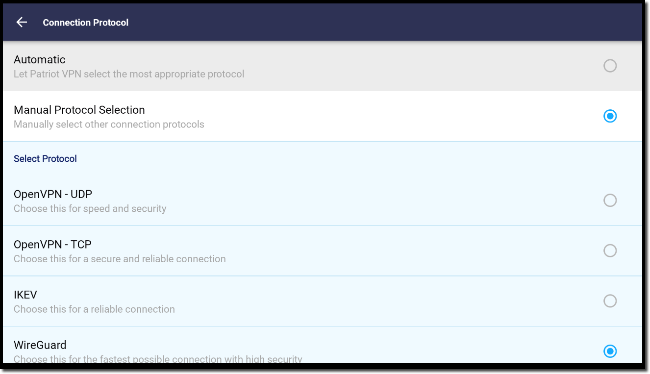
- Under the Manual option you can see many types of protocols and ports that you can use. This can be utilized if you are in a region or using an Internet Service Provider that makes it difficult to connect (think deep packet inspection where they look for, and block VPN activity):
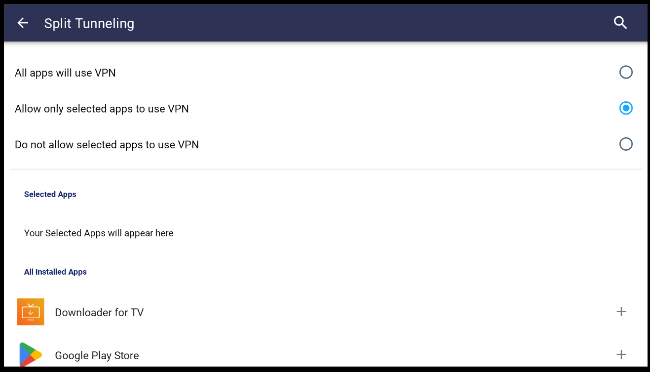
- Go back to the Advanced Tab and click 'Split Tunneling'. This option lets you specify, or exclude the applications on your Android TV that use the VPN. If for any reason you have an application that needs your location (Weather app), you can exclude it from VPN usage, or specify those apps that will use the VPN:
- Lastly, as a word of advice, feel free to explore and experiment. Sometimes changing locations you can see content from your streaming provider that isn't available to your actual location. No guarantees, but interesting shows can be found in different countries. If you ever think everything is messed up (ports, locations, protocols), simply go to the menu item, settings, then under the General tab click 'Clear my Preferences' to reset everything back to default (without having to log in again).
