Windows PatriotVPN Install
- Click Here to Download the Windows Patriot VPN installer.
- Locate the installer file, usually located in the 'Downloads' folder, or where your browser stores downloaded files, and double-click on the installer file Patriot_VPN_Setup.exe to open:

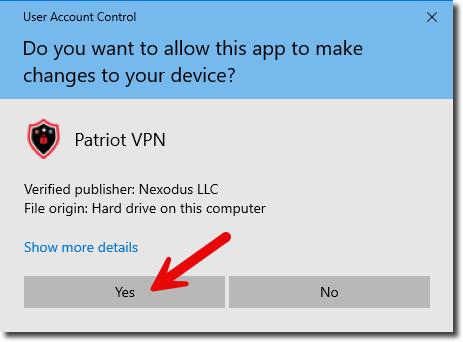
- Windows will ask if you want the app to make changes, click 'Yes':
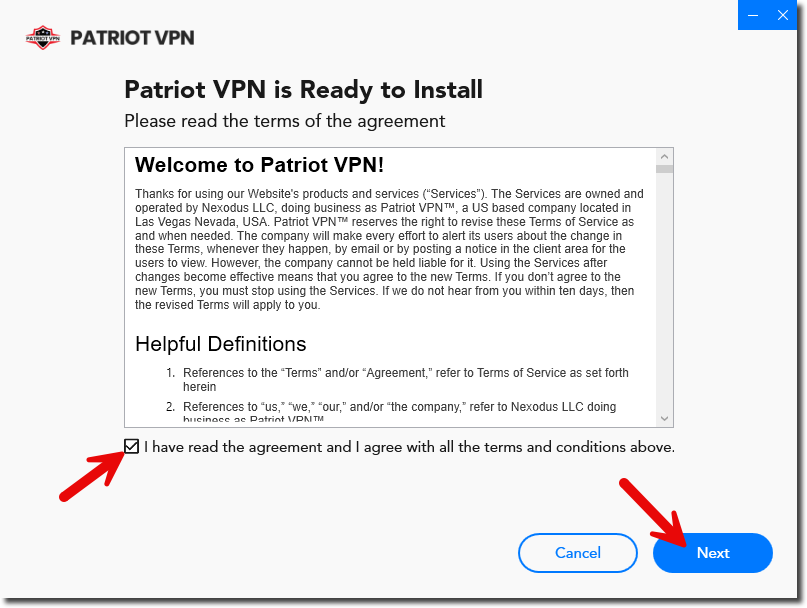
- Read the terms of the agreement, mark the checkbox affirming you have read the agreement, and click 'Next':
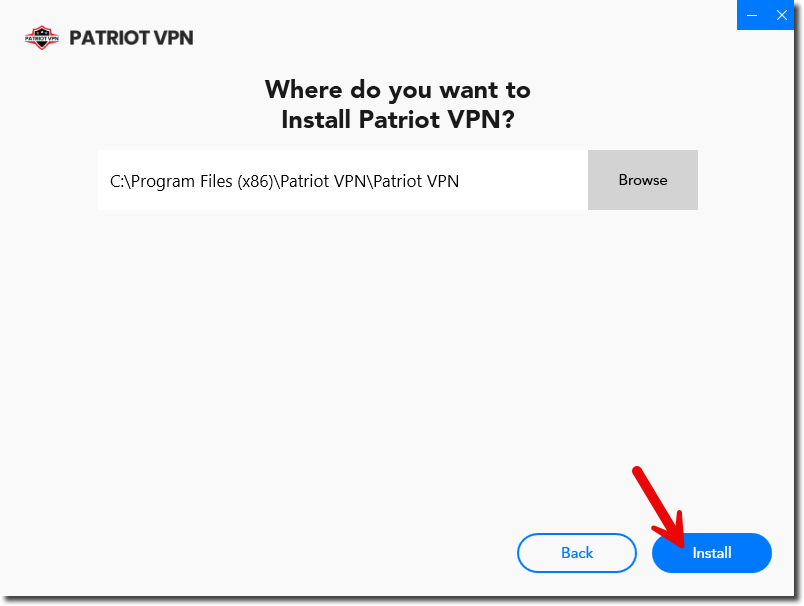
- Confirm the installation directory (if in doubt, just use the default) and click 'Install':
- The installer will complete and the VPN will start up. If you don't have an account, click on 'Create My Account', otherwise, click 'Login' to enter your credentials: