Android Mobile VPN Install
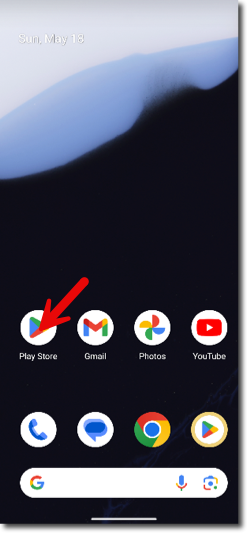
- Open the Google Play Store on your mobile device:
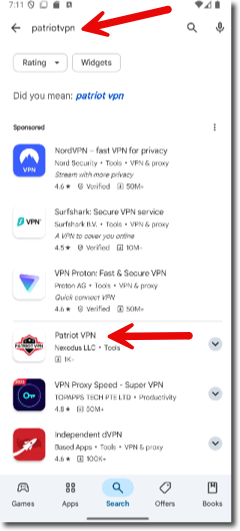
- In the Google Play Store search, type in PatriotVPN and click on the client software:
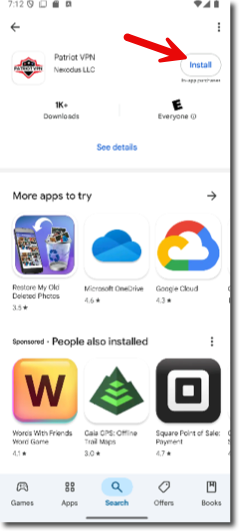
- Click on the 'Install' button:
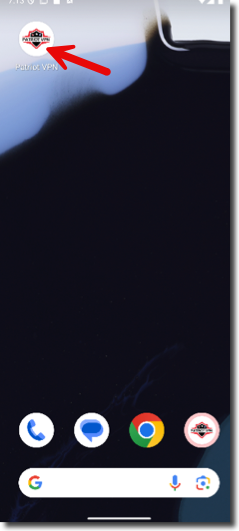
- Once installed, find the Patriot VPN icon on your mobile device and click on it:
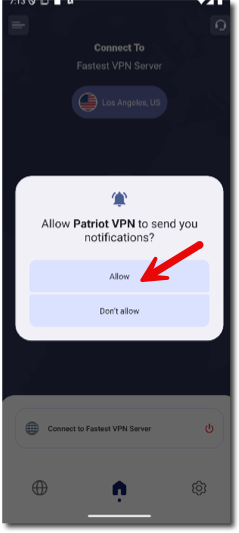
- Click "Allow" to allow Patriot VPN to send important notifications:
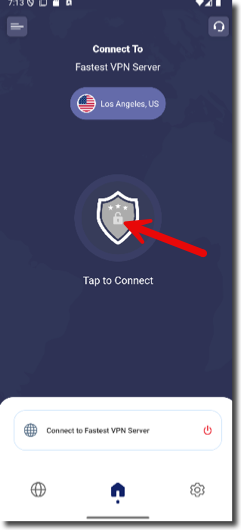
- The application will start, click the center shield to go to the next step:
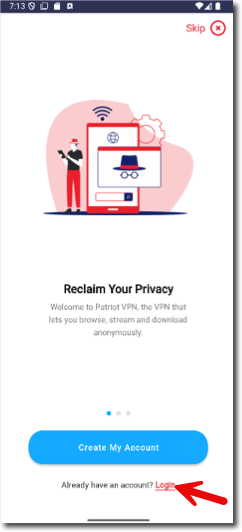
- Click the 'Login' button:
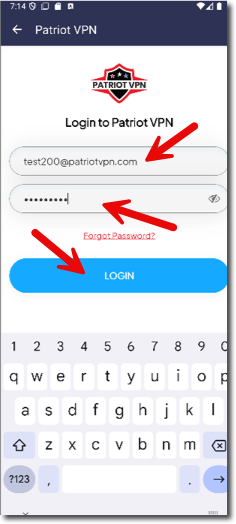
- Put in your email address you used when registering on our site, and your password that you set on the site, then click 'Login':
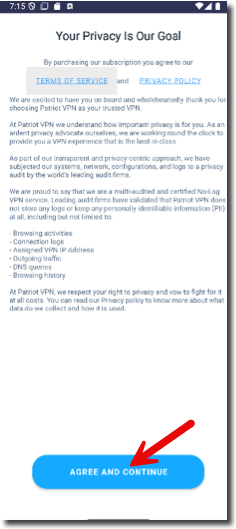
- Read the Terms of Service and the Privacy Policy, then click 'Agree and Continue':
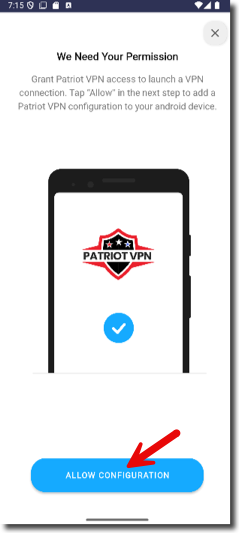
- Allow the application to make the configuration, click 'Allow Configuration':
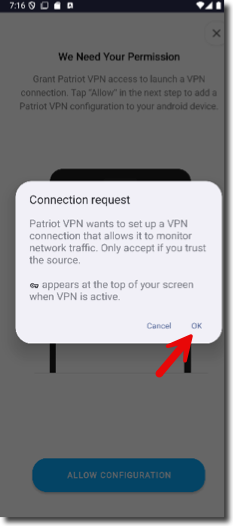
- Click 'Ok' to create the connection request (still part of the configuration):
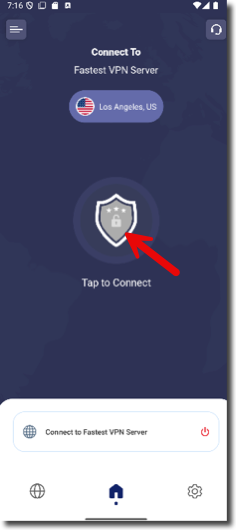
- The application will come back to the main screen with the grey shield. Click on the shield to connect:
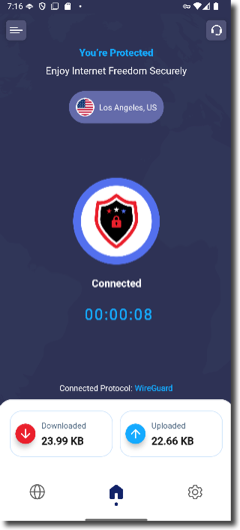
- Once the shield goes from grey to a red/white/blue shield, you are connected!